
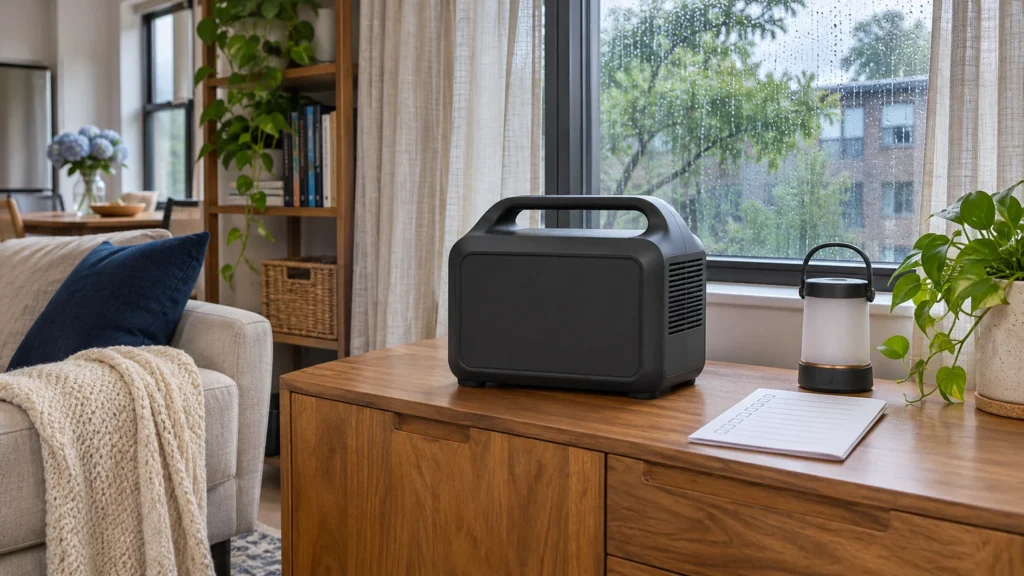
A portable battery power station can run compatible plug-in devices during an apartment outage. Start with the gear you need to keep on, then size the battery for the hours you need it.
Fuel-powered generators need outdoor space. Keep gas and propane generators out of apartments, garages and enclosed balconies. The U.S. Consumer Product Safety Commission says to run portable fuel generators outdoors, at least 20 feet from homes and buildings, and aim exhaust away from openings. An apartment balcony typically cannot provide that separation. CPSC generator safety guidance.
Compare the five apartment backup power stations
Watt-hours (Wh) describe how much energy the battery stores. Rated AC watts (W) tell you how much power the station can supply continuously through its AC outlets. Check your device’s starting draw separately if it has a motor or compressor.
| Model | Battery | Rated AC | Weight |
|---|---|---|---|
| Anker SOLIX C300 AC | 288 Wh | 300 W | 9.1 lb |
| Jackery Explorer 500 v2 | 512 Wh | 500 W | 12.6 lb |
| EcoFlow RIVER 2 Pro | 768 Wh | 800 W | 18.2 lb |
| EcoFlow DELTA 3 Classic | 1,024 Wh | 1,800 W | 26.6 lb |
| Jackery Explorer 2000 v2 | 2,042 Wh | 2,200 W | 39.5 lb |
Compare battery capacity
Rated storage capacity. Longer bars show more energy before accounting for losses and reserve.
Compare continuous AC output
Rated AC watts. Check the manufacturer’s separate startup limits for the device you want to run.
The table compares station-only U.S. models. The outlet layout and bundled accessories can vary by region and listing.
Which backup power station fits your apartment?
Choose by the loads you measured, the room you have to store the station, and whether you can lift it comfortably. If your list is mostly small electronics, the lighter options make sense. If you have a compressor load or want to cover more hours, check output and capacity together.
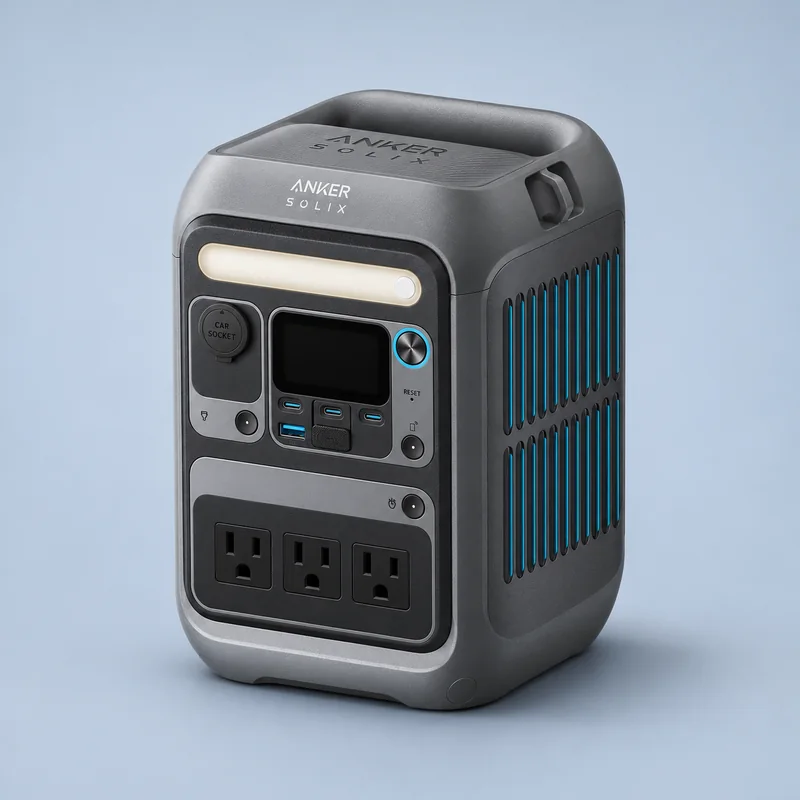
Anker SOLIX C300 AC
The 9.1 lb C300 is the lightest pick here. It fits a plan built around phones, a router and a small light. The U.S. AC version has wall-style outlets.
Tradeoff. The 288 Wh battery runs through its reserve sooner than the other picks. Choose the C300 AC listing if you need wall-style outlets. Anker also sells a C300 DC variant.
View on Amazon We may earn a commission.
Manufacturer specifications · U.S. ASIN B0D62GMQ3F
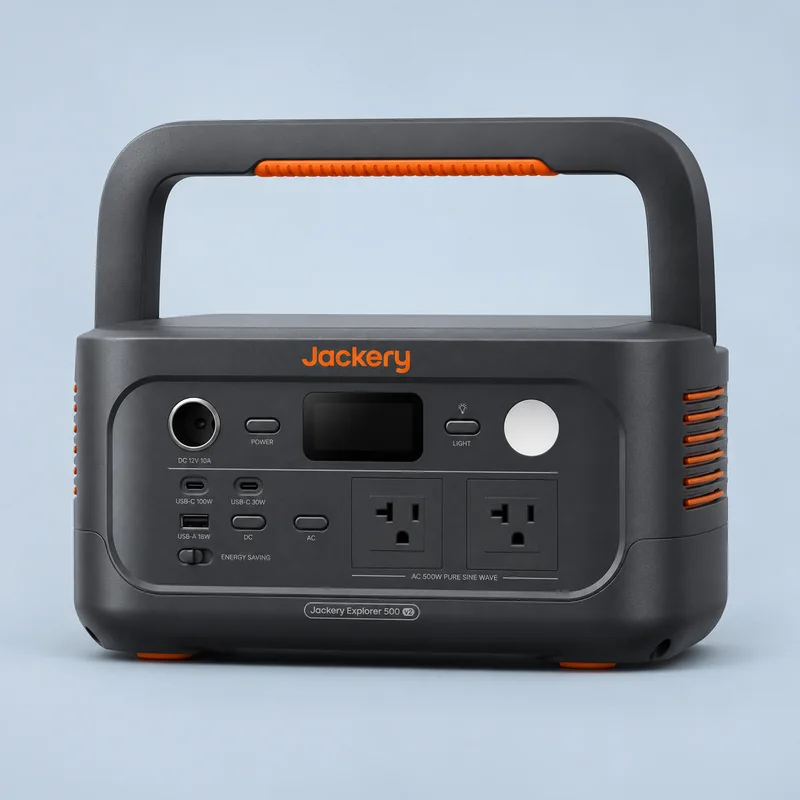
Jackery Explorer 500 v2
The Explorer 500 v2 adds 224 Wh of rated capacity over the C300 while staying under 13 lb. If you own the JE-500A, use the runtime examples to plan for modest loads.
Tradeoff. Its 500 W continuous limit matters when several devices run together. The older Explorer 500 has a different battery and model number. Use the JE-500A manual for this 512 Wh v2.
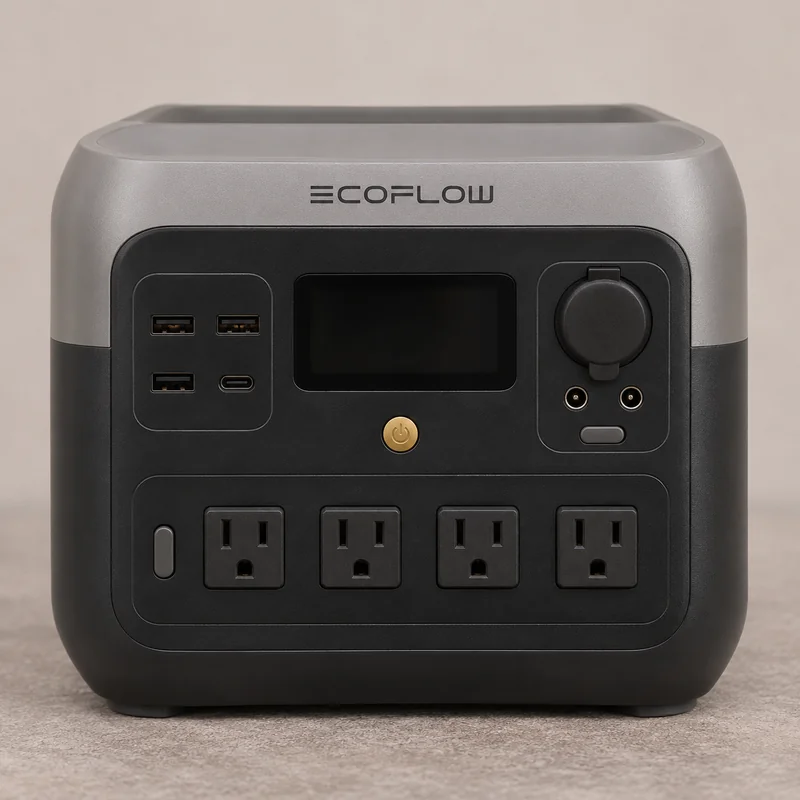
EcoFlow RIVER 2 Pro
The U.S. EFR620 is a standalone station with four AC outlets and one USB-C port that can supply up to 100 W to a compatible device. It suits a renter whose measured loads exceed the compact 300 W option but stay within 800 W. The station comes with an AC charging cable. A solar panel is sold separately.
Tradeoff. At 18.2 lb it weighs about 3.4 lb more than the compact station it replaces. Choose a lighter option if you only need phone, router and lighting power. Check startup draw separately before connecting motor-driven equipment.
View on Amazon We may earn a commission.
EcoFlow owner manual and specifications · U.S. ASIN B0BVLPGS79
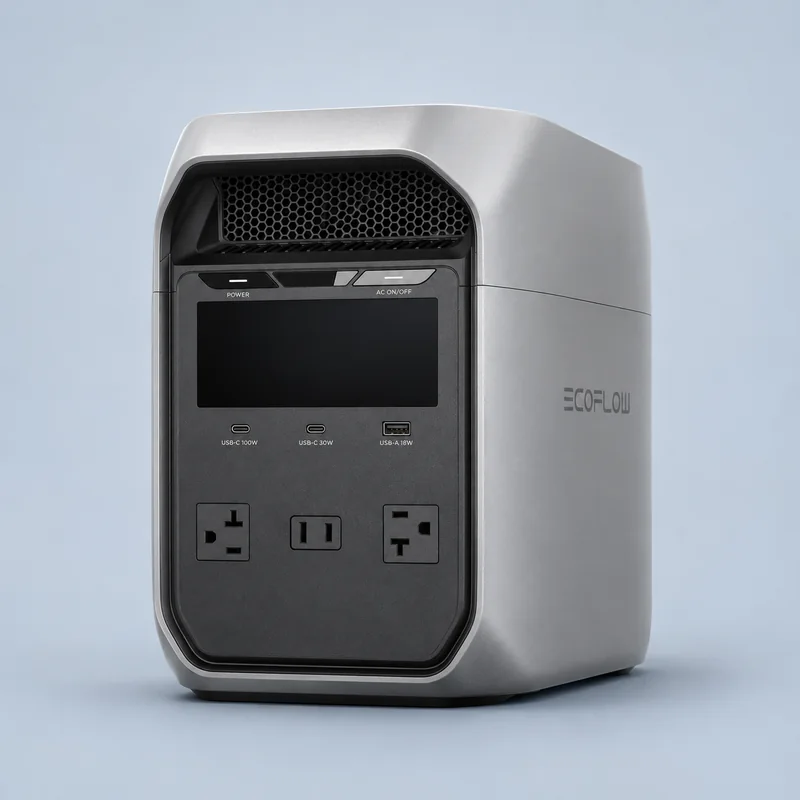
EcoFlow DELTA 3 Classic
The DELTA 3 Classic doubles the Explorer 500 v2’s rated battery capacity and raises continuous AC output to 1,800 W. It gives a renter more flexibility for several essentials or a compatible refrigerator after checking startup draw.
Tradeoff. At 26.6 lb, it takes more effort to carry upstairs and needs a larger storage spot. Check the listing for the exact Classic model and its included equipment.
View on Amazon We may earn a commission.
Manufacturer specifications · U.S. ASIN B0FQVC4RF5
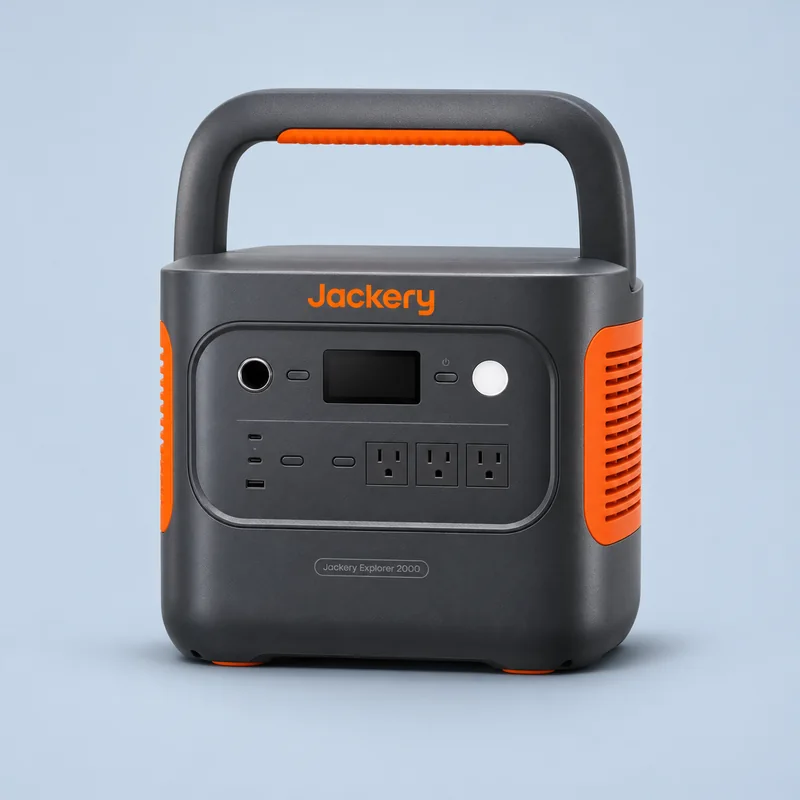
Jackery Explorer 2000 v2
At 2,042 Wh, the Explorer 2000 v2 stores the most energy of the five. Choose it if your measured essentials need longer coverage and you have a practical way to move and recharge it.
Tradeoff. At about 39.5 lb, this is a poor fit for frequent trips up stairs. Check the combined load and startup demands before counting on it for refrigeration.
View on Amazon We may earn a commission.
Manufacturer specifications · U.S. ASIN B0DFG2WDQH
Estimate runtime before you buy
A device that draws 30 W for eight hours uses 240 Wh at the device. Your station needs additional capacity for conversion losses, inverter overhead and a reserve. Measure real consumption if you can, particularly for devices that cycle on and off.
| Model | 30 W load | 100 W load |
|---|---|---|
| Anker SOLIX C300 AC | 4.6 h | 1.9 h |
| Jackery Explorer 500 v2 | 8.2 h | 3.4 h |
| EcoFlow RIVER 2 Pro | 12.3 h | 5.1 h |
| EcoFlow DELTA 3 Classic | 16.4 h | 6.8 h |
| Jackery Explorer 2000 v2 | 32.7 h | 13.6 h |
Planning examples divide 80% of the rated Wh by the stated steady AC load plus a 20 W inverter allowance. The allowance is the same across models so you can compare them. Actual overhead, duty cycle, temperature, battery condition and reserve can change runtime.
A worked example for a refrigerator
Say a plug-in energy meter rated for your refrigerator records 0.72 kWh in 24 hours. That is 720 Wh divided by 24 hours, or 30 W on average. The 1,024 Wh EcoFlow DELTA 3 Classic would give an estimated 16.4 hours under the table’s assumptions. The calculation divides 819 Wh of planning capacity by 50 W, including the 20 W inverter allowance.
Use your own meter reading because the compressor cycles and energy use varies. Check the refrigerator’s starting demand against the station’s limits, then test the two together before relying on the setup. Virginia Cooperative Extension guide to appliance energy use.
Size backup power for your own devices
Plan how you’ll use and recharge it
- Make a short list. Write down the devices you plan to power at the same time. Plug compatible loads into the station according to its manual. Leave building wiring to a qualified electrician.
- Choose a storage and charging spot. Follow the model’s temperature and ventilation requirements. Keep it dry, stable and clear of exits. Check your building’s rules for storage and charging.
- Plan the next charge. AC charging is useful before the outage. If you have a permitted place for a portable panel, verify the station’s solar input voltage and connector against that panel. Check the bundle before ordering.
- Plan for critical equipment separately. If you depend on powered medical equipment, ask the equipment supplier or care team about compatible backup and what to do if power runs out. CDC power outage guidance.
For a longer outage plan, see our solar emergency power guide.
Apartment backup power FAQ
Do apartment buildings have backup generators?
Some buildings have standby power for specific equipment. Ask management whether it serves emergency lighting, elevators, common areas or any outlets inside your unit. Get the exact coverage and outage procedure before planning around it.
Can I use a generator in an apartment?
A portable battery power station can run compatible devices plugged into its outlets. Follow the station manual and your building rules. Keep fuel-powered portable generators outdoors at the distance the CPSC recommends.
What size battery power station do I need?
Write down the watts for each device you will run together and the hours each one needs power. Multiply watts by hours to estimate energy, then allow room for losses and reserve. Check startup draw separately for motor loads.
Can a battery power station run a refrigerator?
Yes, if the station can handle the compressor’s startup demand and has enough battery capacity for your measured energy use. The worked refrigerator example shows how to size it.
Can I recharge a power station with solar in an apartment?
Use a panel, connector and voltage range allowed by the station manual. Check whether your building permits the placement. Use a suitable outdoor location with direct sun and keep cords clear of exits and walking paths.
How Storm Ready Home compared the models
This comparison covers five U.S. models, from a 9.1 lb station for small devices to a 2 kWh option for longer outages. The Jackery Explorer 500 v2 is included as a reference for existing owners. The picks are based on manufacturer specifications for capacity, continuous AC output and unit weight. Runtime figures are planning estimates using the same assumptions for all five models. The card artwork is based on exact-model reference photos and represents each station as an editorial illustration.
Manufacturer specifications are linked on each card. Check the retailer for the current offer, seller and accessories included.